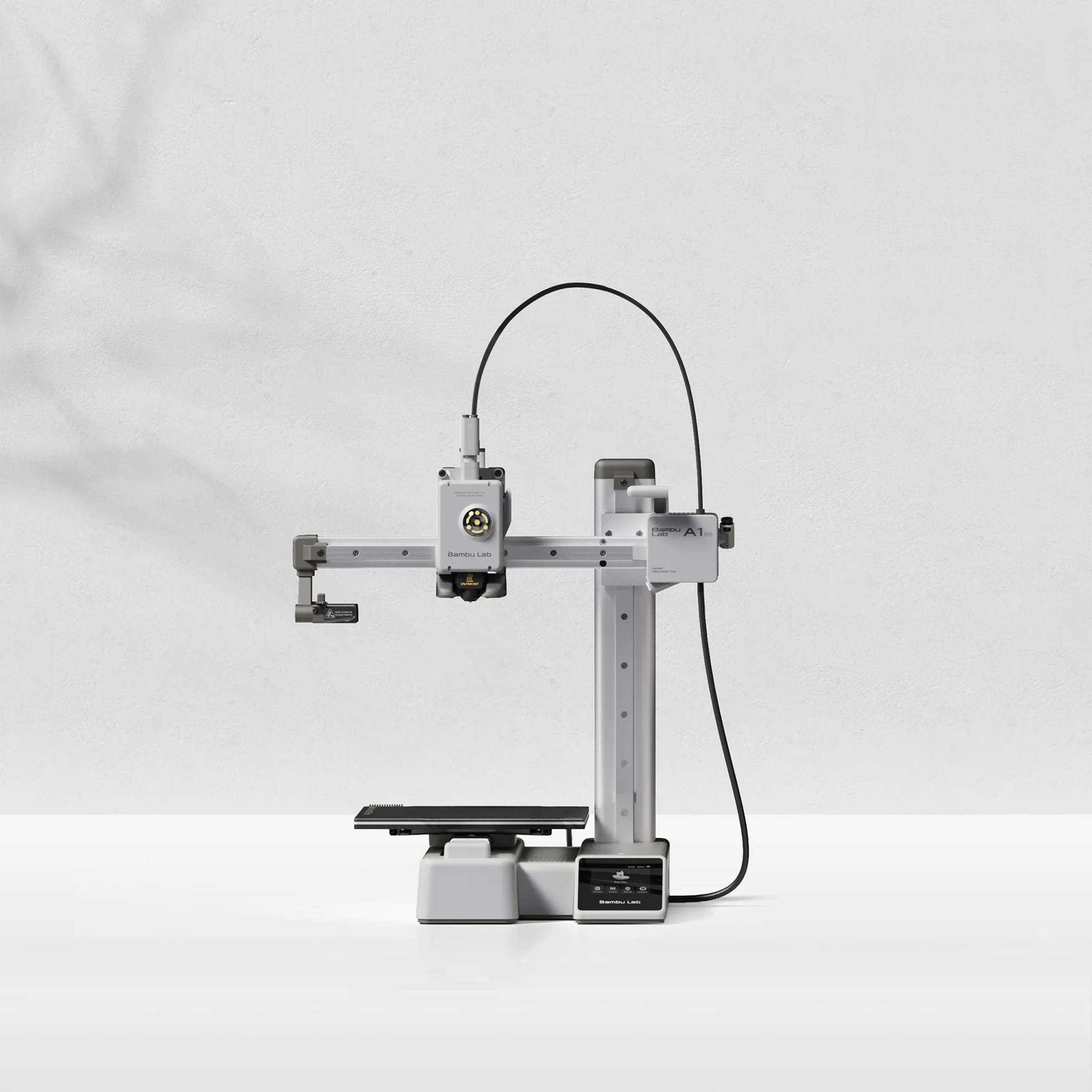
Creality or Bambu Lab? The Complete 2026 Buyer's Guide
Research-based buying advice, not a hands-on test. Specifications, prices and availability can change. How we research and compare printers.
If you're shopping for a 3D printer in 2026, you've probably narrowed your search down to two dominant brands: Creality and Bambu Lab. Both companies have earned loyal followings, but they approach 3D printing from very different philosophies.
Creality built its reputation on affordable, tinkerer-friendly machines with broad material compatibility and lower filament costs. Bambu Lab, the newer player, has disrupted the market with printers designed to work like appliances—automatic calibration, seamless setup, and consistent results out of the box.
So which brand deserves your money? Let's break it down.
The Core Difference: Plug-and-Play vs. Budget Flexibility
The fundamental difference between these brands comes down to user experience philosophy.
Bambu Lab printers are built for people who want to unbox, set up quickly, and start printing without fussing over calibration. Auto-calibration handles bed leveling, flow rate adjustments, and first-layer consistency automatically before each print—tasks that traditionally required careful manual attention.
Creality offers more budget-conscious options and greater flexibility for users who don't mind (or actually enjoy) tweaking settings. Their printers tend to have broader third-party filament compatibility and lower ongoing costs, though the initial setup experience can require more patience.
Comparing Entry-Level Options
Best Budget Pick: Creality Ender 3 V3 SE — $169
For absolute beginners on a tight budget, the Creality Ender 3 V3 SE at just $169 is hard to beat. It handles PLA, PLA+, PETG, and TPU at medium speeds (250mm/s). You won't get an enclosure or multi-material capability, but you'll learn the fundamentals of 3D printing without a major financial commitment.
Best Beginner All-Rounder: Bambu Lab A1 Mini — $299
The Bambu Lab A1 Mini costs $130 more but delivers a dramatically different experience. At 500mm/s print speeds with multi-material support, it's become a favorite for both beginners and experienced hobbyists. The automatic calibration means you'll spend less time troubleshooting and more time actually printing. If you're interested in multicolor prints, this is your most affordable entry point.
Mid-Range Showdown: Speed vs. Features
This is where the competition gets interesting.
Creality K1 — $329
The Creality K1 is Creality's answer to the high-speed printing revolution. At 600mm/s (very fast), it outpaces most Bambu printers on raw speed. It also includes an enclosure, which allows printing with ABS—a material that requires controlled temperatures. However, reviewers have noted its print quality can be inconsistently worse than comparable Bambu models, and the Creality app experience includes ads and subscription pushes.
Bambu Lab A1 — $399
The Bambu Lab A1 sits at $399 with 500mm/s speeds—slightly slower than the K1. But it shines with multi-material capability and an easy-to-switch nozzle system that produces excellent-quality prints consistently. If you want multicolor printing without hassle, the A1 delivers.
Creality K1 Max — $499
Need a larger build volume with speed? The Creality K1 Max at $499 maintains the 600mm/s velocity with an enclosure for ABS printing. It's a solid choice for users prioritizing print speed and size over multi-material features.
Premium Tier: Serious Hobbyists and Prosumers
Bambu Lab P1S — $549
The Bambu Lab P1S is where Bambu's ecosystem really shines. For $549, you get an enclosed printer capable of handling engineering-grade materials like PA-CF (carbon fiber nylon), PC (polycarbonate), and ASA. Multi-material support means complex prints with multiple colors or dissolvable supports. For most enthusiasts, this hits the sweet spot of capability and price.
Bambu Lab P2S — $799
Step up to the Bambu Lab P2S at $799 for very-fast 600mm/s speeds and expanded material compatibility including PET-CF. This is a serious machine for users who need both speed and material versatility.
Creality K2 Pro — $849
Creality's premium offering, the Creality K2 Pro, matches Bambu's speed at 600mm/s and adds multi-material capability. It handles carbon fiber filaments (PLA-CF, PA-CF, PPA-CF) and comes enclosed. At $849, it's priced competitively against the P2S while offering different material strengths.
Material Compatibility: A Key Consideration
Here's where your specific needs matter most:
| Printer | Price | Key Materials |
|---|---|---|
| Creality Ender 3 V3 SE | $169 | PLA, PLA+, PETG, TPU |
| Bambu Lab A1 Mini | $299 | PLA, PLA+, PETG, TPU |
| Creality K1 | $329 | PLA, PLA+, PETG, TPU, ABS |
| Bambu Lab P1S | $549 | PLA, PETG, ABS, ASA, PA-CF, PC |
| Creality K2 Pro | $849 | PLA, PETG, ABS, ASA, PLA-CF, PA-CF |
If you're primarily printing decorative objects or prototypes in PLA and PETG, even budget options work well. Planning to print functional parts that need heat resistance or strength? You'll want an enclosed printer with broader material support.
Which Brand Should You Choose?
Choose Bambu Lab if:
- You want minimal setup and automatic calibration
- Multicolor printing interests you
- Consistent print quality matters more than lowest price
- You prefer a polished software experience
Choose Creality if:
- Budget is your primary constraint
- You want the fastest print speeds at each price point
- You're comfortable with more hands-on calibration
- You prefer open ecosystems with third-party filament flexibility
Still not sure which printer fits your needs? Take our printer recommendation quiz for personalized suggestions based on your budget, experience level, and intended projects.
FAQ
Is Bambu Lab better than Creality for beginners?
For pure ease of use, yes. Bambu Lab's automatic calibration and guided setup make the initial experience smoother. However, the Creality Ender 3 V3 SE at $169 is an excellent learning tool if budget is tight and you're willing to learn calibration basics.
Can Creality printers match Bambu Lab's print quality?
In terms of raw capability, yes—especially with proper calibration. However, Wirecutter testing found Creality's K1 print quality to be "consistently worse" than comparable Bambu models, suggesting the automatic calibration provides meaningful quality benefits.
Which brand offers better value for multicolor printing?
Bambu Lab dominates multicolor printing. The A1 Mini at $299 and A1 at $399 both support multi-material systems. Creality'sapproach with the CRX Pro and Ender 3 V3 supports dual extrusion but requires more setup and produces larger purge waste. If multicolor printing is a priority, Bambu Lab is the stronger choice.
Is Creality going out of business?
No — Creality is one of the largest 3D printer manufacturers in the world and continues to release new models regularly. The brand is healthy and well-supported.
Not sure which printer to buy?
Take our 2-minute quiz and get a personalised recommendation.
Find my printer →